Settings
OS MIDI Editor › Settings… (⌘,) has five tabs. Your choices apply right away and are kept between launches: there is no OK button.
MIDI
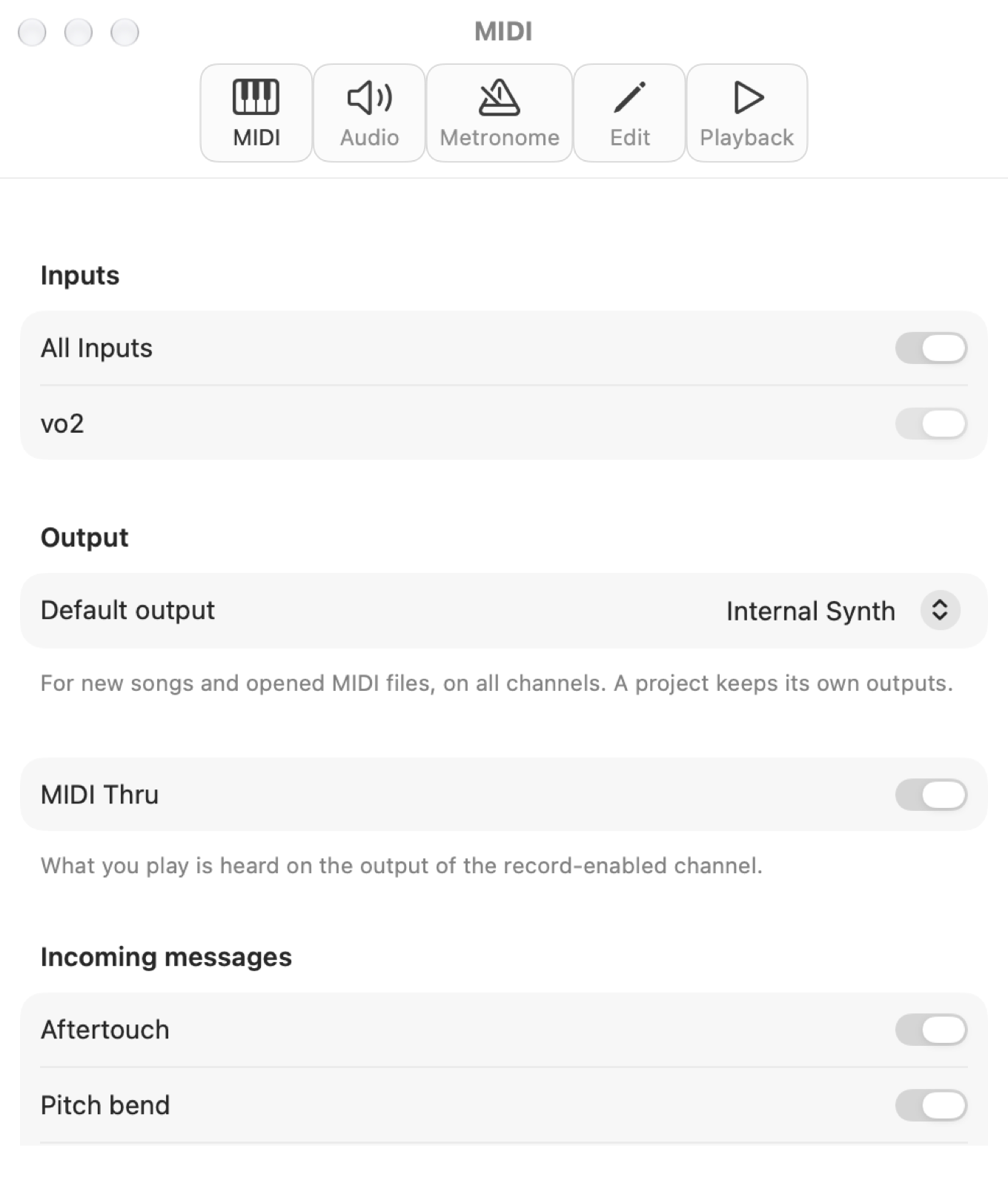
- Inputs: all of them (the default) or only the checked ones. A device connected later is picked up automatically.
- Default output: where all channels of new songs and opened MIDI files play, for example your sound module. A project keeps its own outputs. If the device isn't connected the built-in synthesizer plays.
- MIDI Thru: what you play is heard on the output of the record-enabled channel (the same as in the Transport menu).
- Incoming messages: aftertouch, pitch bend, controllers and program changes. The ones turned off are not recorded and don't go through Thru; notes always pass.
Audio
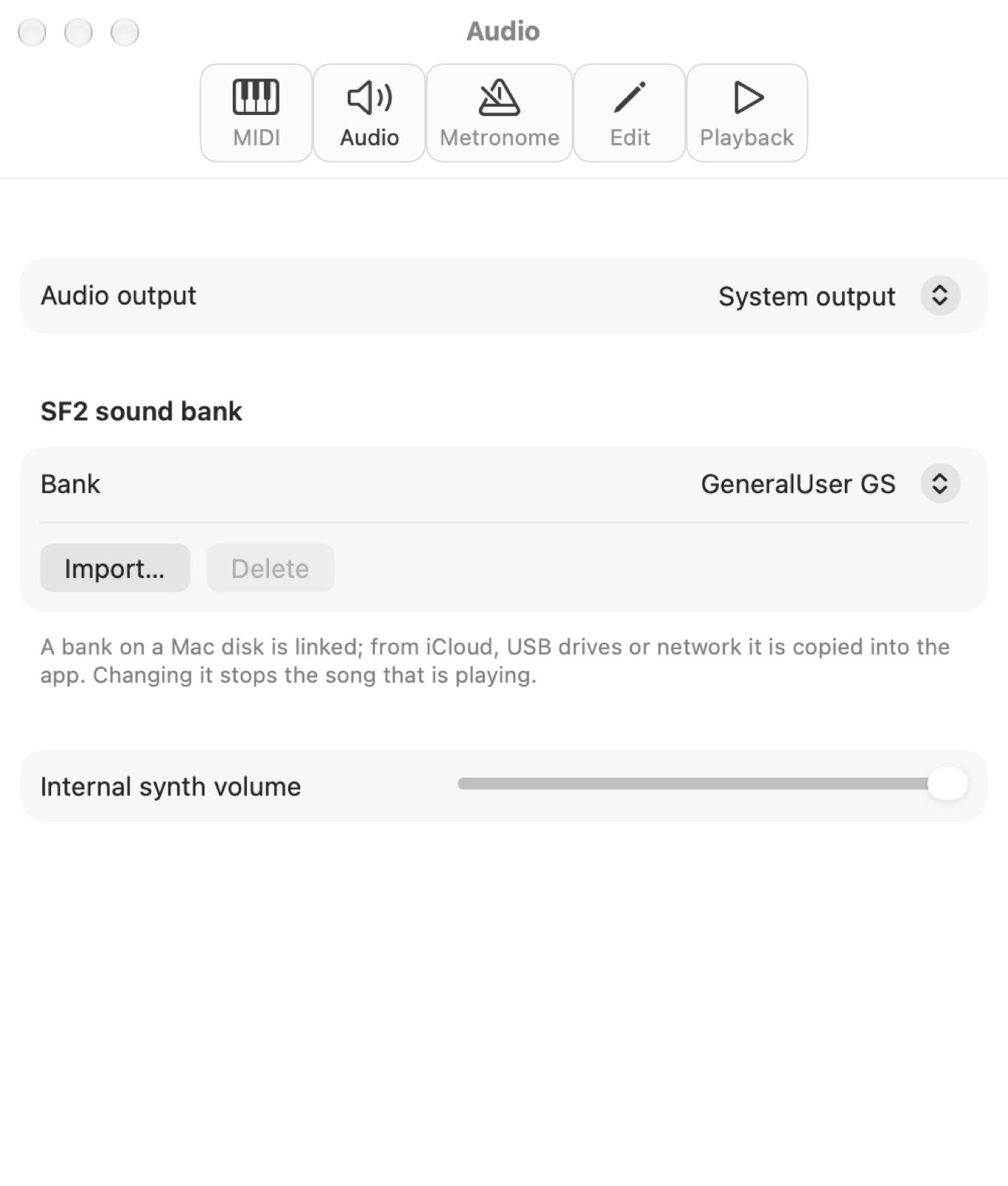
- Audio output: the system one (the default, it follows System Settings) or a specific device, such as an audio interface or headphones.
- SF2 sound bank: the sounds of the built-in synthesizer. GeneralUser GS by default; Import… adds your own
.sf2bank. A bank on a Mac disk is linked without copying it; from iCloud, USB drives or network disks it is copied into the app. Remove link leaves the file where it is, Delete deletes the copy. Changing bank stops the song that is playing. - Internal synth volume, separate from the metronome volume.
Metronome
- Output: the built-in synthesizer (the default) or a MIDI output, on channel 10.
- Sound: Wood Block, Claves, Cowbell, Side Stick, Closed Hi-hat or Bongo, from the General MIDI drum kit.
- Volume and accent on the first beat of the bar.
Edit
- Audition on or off in new Piano Rolls, and the default Snap.
- PPQ for new songs: the resolution, that is how many ticks make a quarter note (480 by default).
- Middle C: C3 (the default, like Cubase and Yamaha) or C4. It only changes the note names, not the notes.
Playback
- Resume notes already sounding: starting in the middle of a long note, you still hear it.
- Double Stop: back to the start (the default) or to L.