Files and projects
OS MIDI Editor opens .mid, .midi and .kar files and saves them back without damaging them. To keep what a MIDI file can't hold (parts, names, colors, mutes, views) there is the .osmid project.
Opening
- File › Open… (⌘O) or a double-click in the Finder. Each song has its own window.
- Type 0 and type 1 MIDI files. Several tracks on the same channel are merged into the channel row; each channel in use becomes a single part as long as the song.
- Type 2 files and files with SMPTE timing are not opened, with a message.
Saving
- File › Save (⌘S) writes the file back in the same type, 0 or 1, with the same resolution and the same events at the same ticks. There is no autosave: when you close a changed song the app asks whether to save it.
- A MIDI file has no parts, part names, colors or mutes: if the song has them, the app warns you and suggests Save as Project….
- Save As… (⇧⌘S) lets you choose between project and MIDI file.
- Export MIDI… (⌥⌘E) writes a separate MIDI file, type 0 or 1, without changing the document. Muted channels and parts are not exported, unless you choose to include them.
The Inspector's transpose and velocity and the values at the start of the channel are written into the file. Parts are merged: in the MIDI file each channel is one track.
The .osmid project
It keeps everything: parts with names and colors, mutes, Inspector settings, outputs, locators, Insert/Overwrite, the open view, tool, Snap and Quantize, zoom and scrolling, Drum Editor settings. It opens with a double-click and has the app's icon. A new song (File › New, ⌘N) is saved as a project.
Song Info
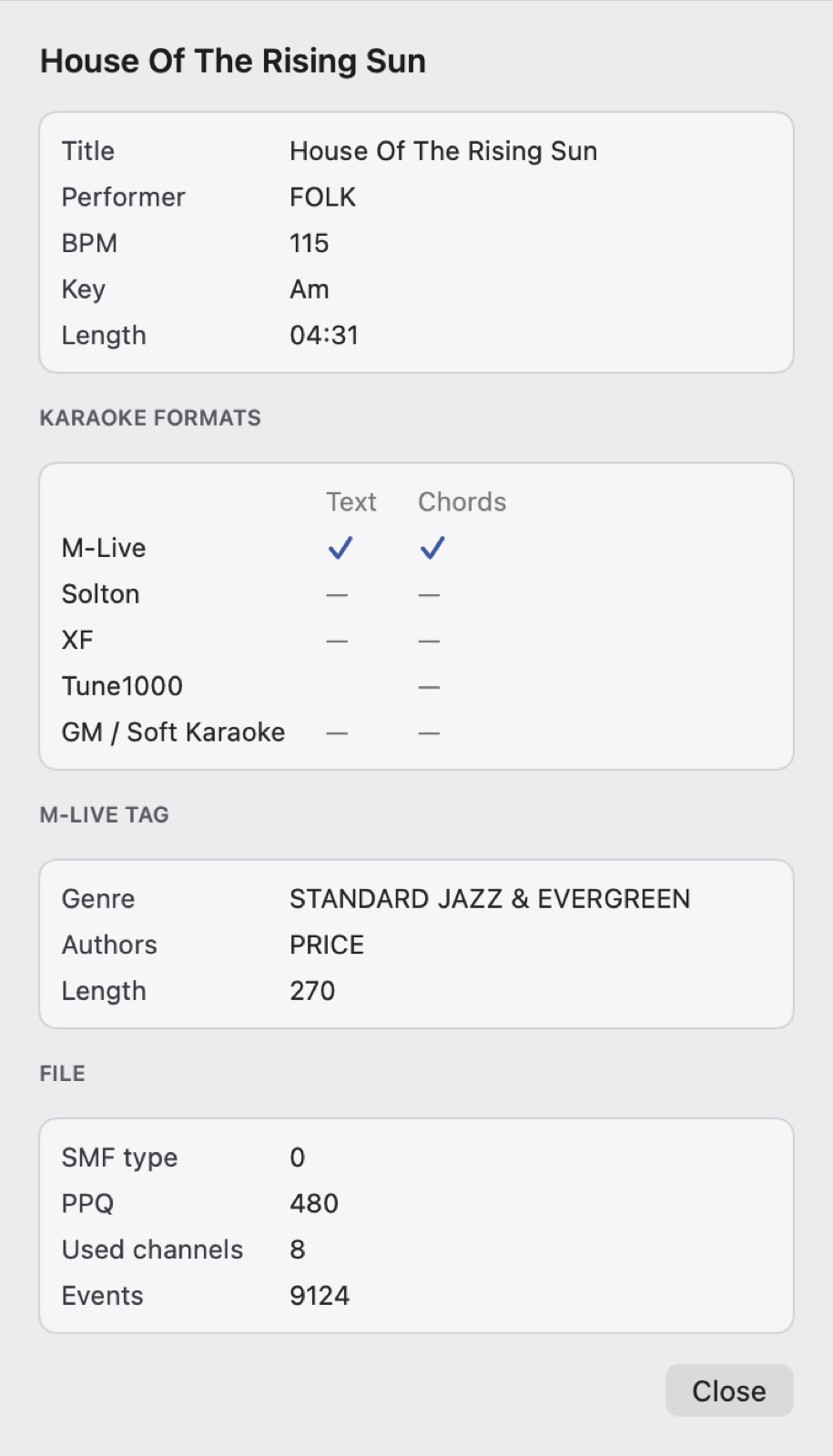
File › Song Info… (⌘I) sums up the song: title and performer (from the XF, M-Live or Soft Karaoke tags, or from the track name), BPM, key, duration, the karaoke formats found, the M-Live tags and the file data.