Transport bar
The bar under the tabs is the same everywhere: from any screen you can start and stop the song, move to the next one, change tempo and key and mute the melody.
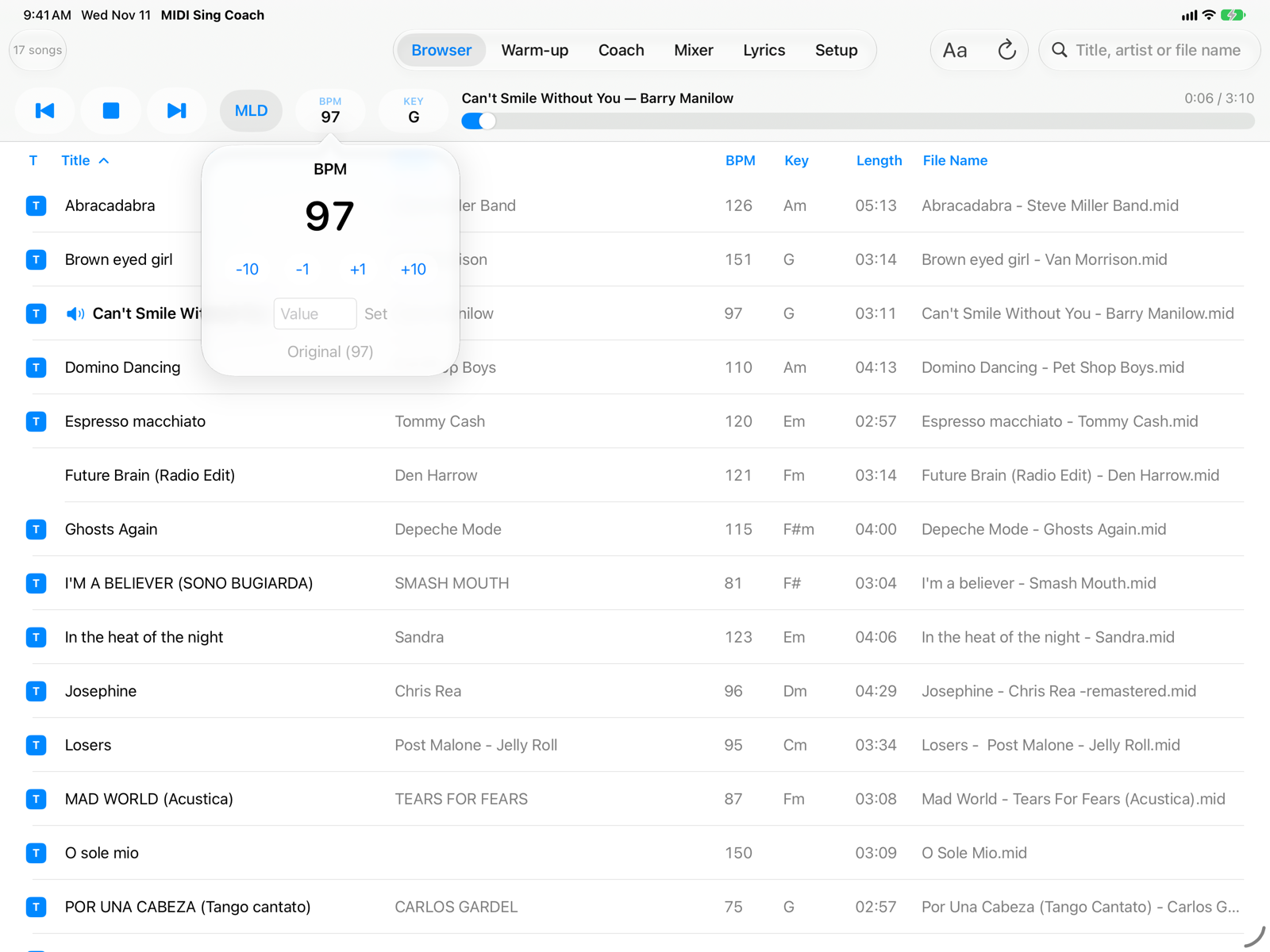
- Previous song, Play/Stop, next songPrevious and next follow the Browser list, with the active search and filter. After the first 3 seconds, previous song goes back to the start of the current song.
- MLD (melody)On, the melody plays and guides you; off, the melody channel is silent and you sing alone over the backing track. The Coach shows the melody either way. The channel is chosen in Setup (usually 4).
- BPMThe song's tempo. Tap it to change it; it turns light blue when it differs from the original.
- KEYThe song's key and transposition. Tap it to change it; it turns light blue when the song is transposed.
- Title and progressTitle, artist and elapsed time over length. Drag the slider to go to any point in the song.
- BPM popover−10, −1, +1, +10 change the tempo in steps; you can also type the value and tap Set. Original goes back to the file's tempo. The tempo changes without changing the pitch: slowing down helps to learn a hard passage.
Key (KEY)
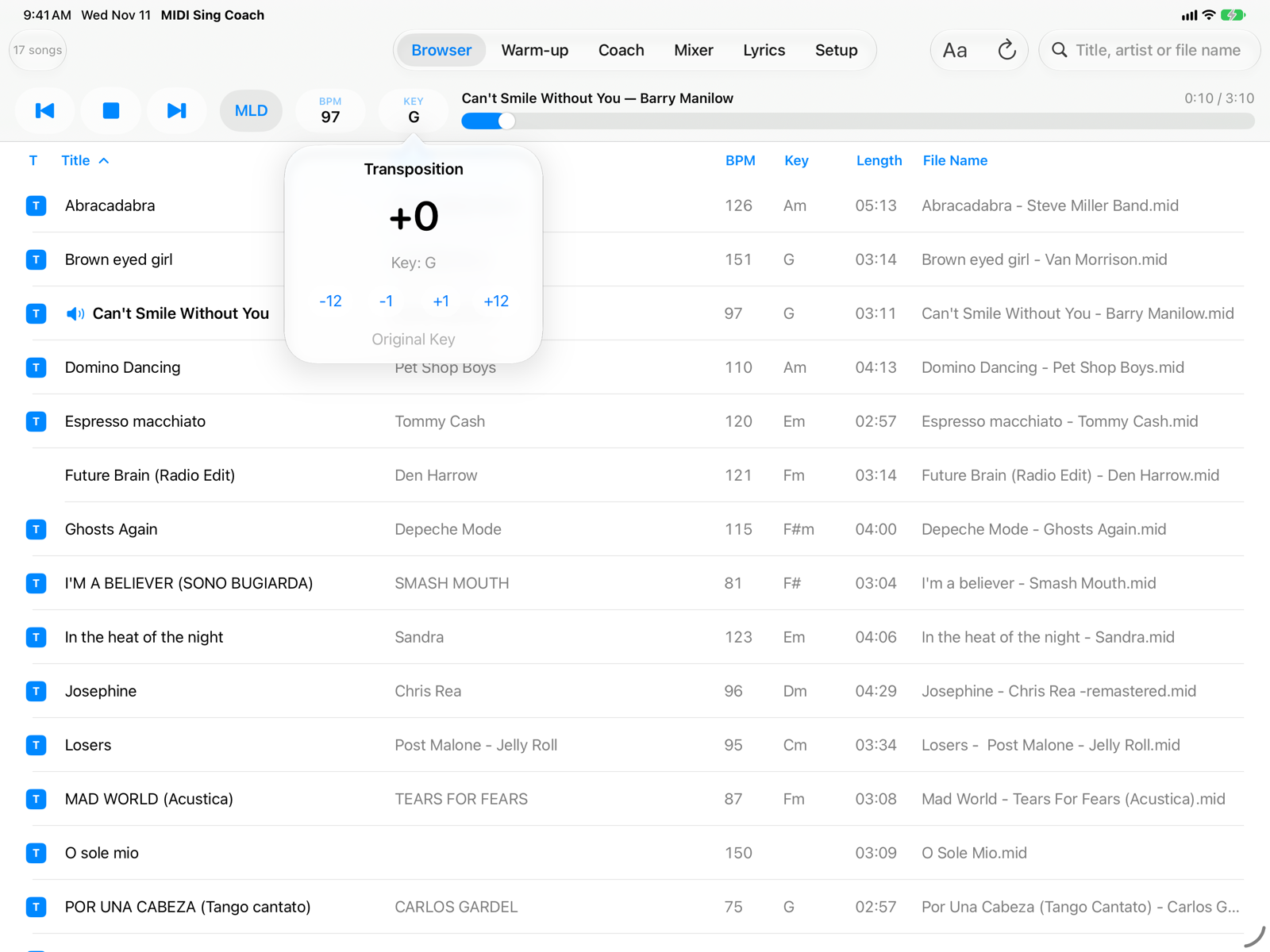
- Transposition−1 and +1 move by a semitone, −12 and +12 by an octave, up to ±24 semitones. The line under the value shows the resulting key. Original Key undoes the transposition.
Lower or raise the key to bring the song into your range: the notes in the Coach move with the music, so the comparison with your voice stays correct. Drums (channel 10) are never transposed. The key shown comes from the file; if the file doesn't state it, the app estimates it from the chords.
Count-in and metronome
If you chose a one- or two-bar Count-In in Setup › Metronome, pressing Play first gives you the count, at the song's tempo where you start, then the song. There you can also turn on the metronome for the whole song.
On iPhone
In portrait the bar is on two rows: commands at the top, title and progress below. In landscape it is a single row. The BPM and KEY popovers are the same as on iPad.