Sheet
One channel's notes, to learn a part or follow the melody, in two views: the Waterfall, with notes falling onto a piano keyboard, and the Score, with the melody written on the staff.
Waterfall
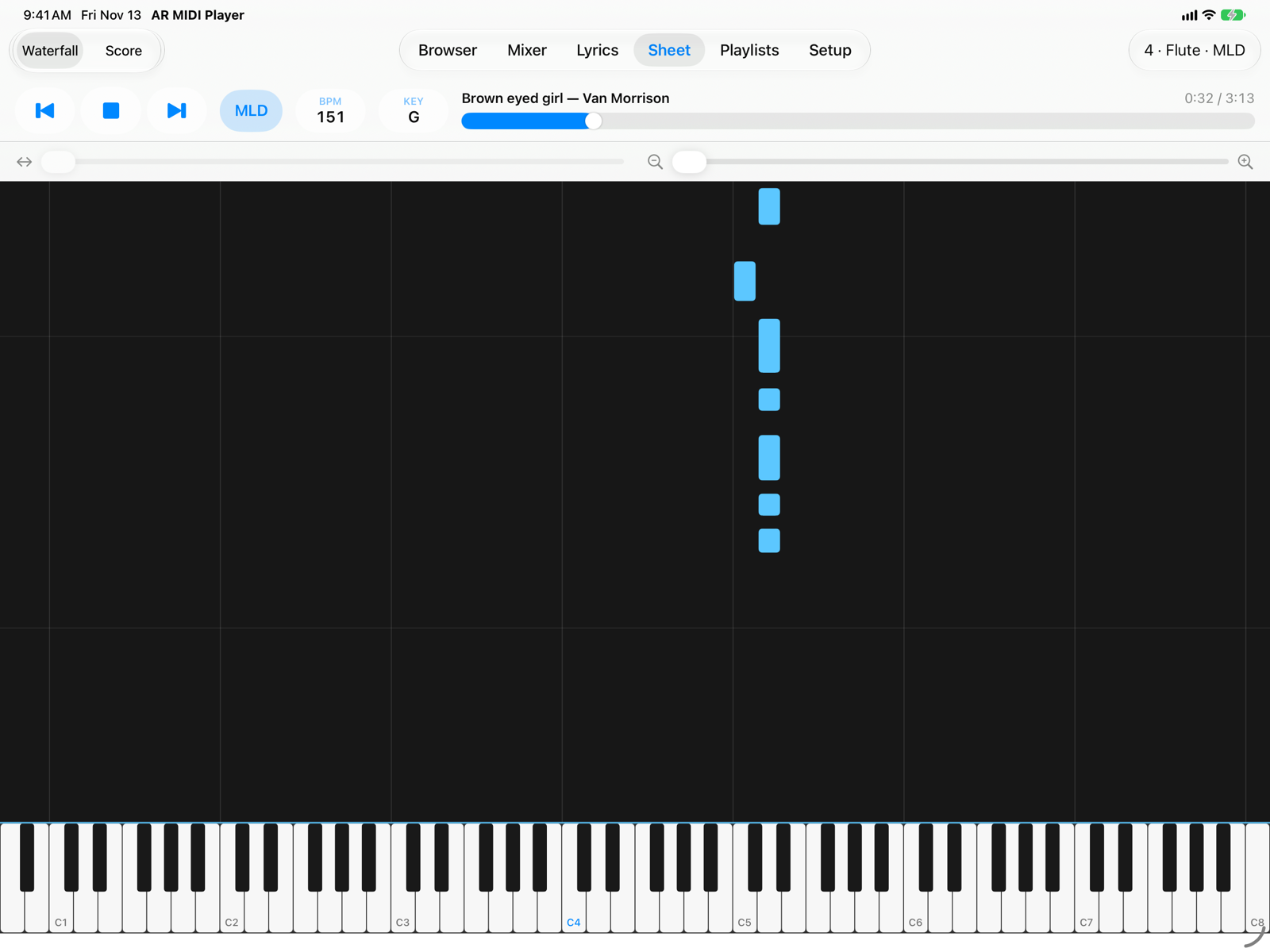
- ViewSwitches between Waterfall and Score. The app remembers the last view you chose.
- ChannelThe channel whose notes you see, with the same labels as the Mixer. When a song opens it is the melody channel.
- ScrollMoves the keyboard towards the bass or the treble.
- ZoomHow many octaves are visible: towards + the keys get wider. Zoom keeps the centre of the view in place.
- NotesThe length of a bar is the note's duration; thin horizontal lines mark the start of each bar.
- KeyboardKeys light up while the note plays. Each C is labelled with its octave (C4 is middle C).
Notes follow the transposition in the bar (KEY), like the audio; drums are not transposed. Scroll and zoom stay as you left them when you change song.
Score
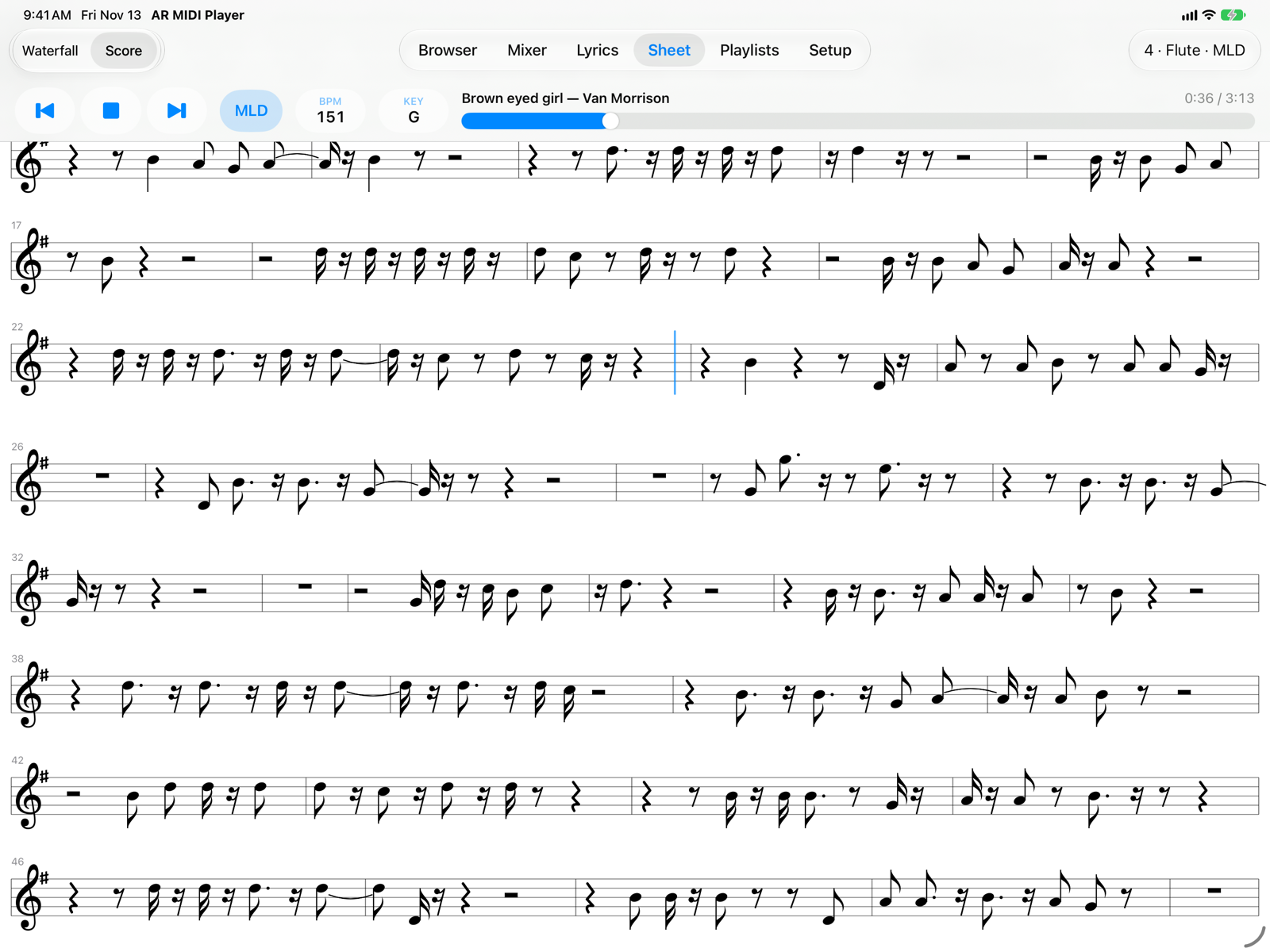
- Clef, key and time signatureThe clef starts every line; key and time signatures appear at the start and whenever they change.
- Bar numberThe number of the first bar of each line.
- Playing positionA coloured line moves through the current bar and the sounding notes are coloured. The page scrolls by itself to keep the playing line in view.
It is a simplified score, written automatically from the MIDI file:
- Notes are aligned to sixteenths; a note that crosses the bar line is split with a tie.
- A single voice: notes that start together form a chord on one stem.
- Treble or bass clef is chosen from the range of the part; if the part is very wide (a piano, for example) the app uses two staves, treble and bass.
- The key signature comes from the file, when it has one; accidentals last until the end of the bar, as on paper.
- The score follows the transposition (KEY): notes and key signature change.
- If Tap a Line to Jump There is on in Setup, tapping a bar moves playback to its start.
- There is no score for drums: use the Waterfall.
Backing tracks played by hand, not aligned to the beat, give scores with many short notes and ties: for those the Waterfall is easier to read.
On iPhone
For the Waterfall use the iPhone in landscape: view, channel, scroll and zoom fit on one row and the keyboard gets all the room.
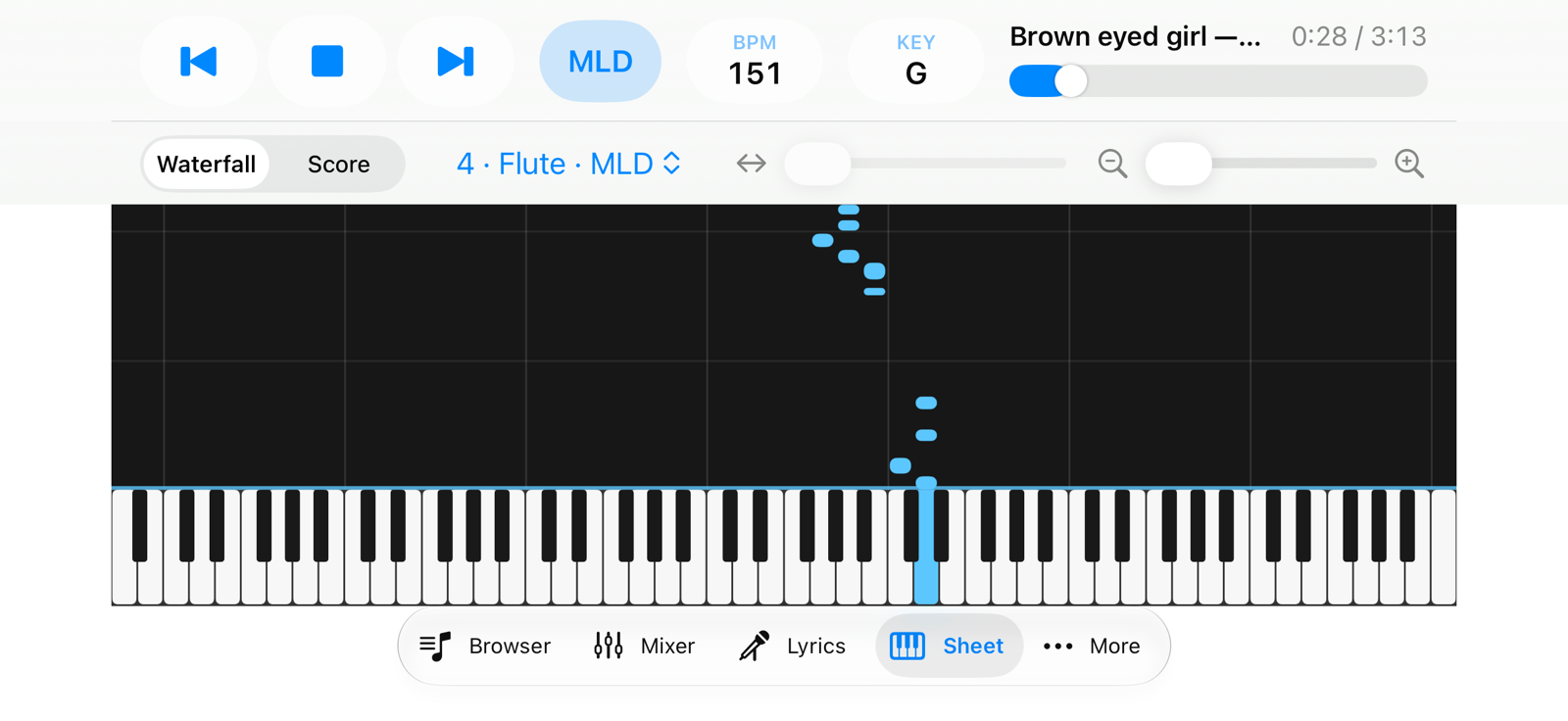
- View
- Channel
- Scroll and zoom
- Tabs
The score reads well in portrait too, with one or two bars per line.
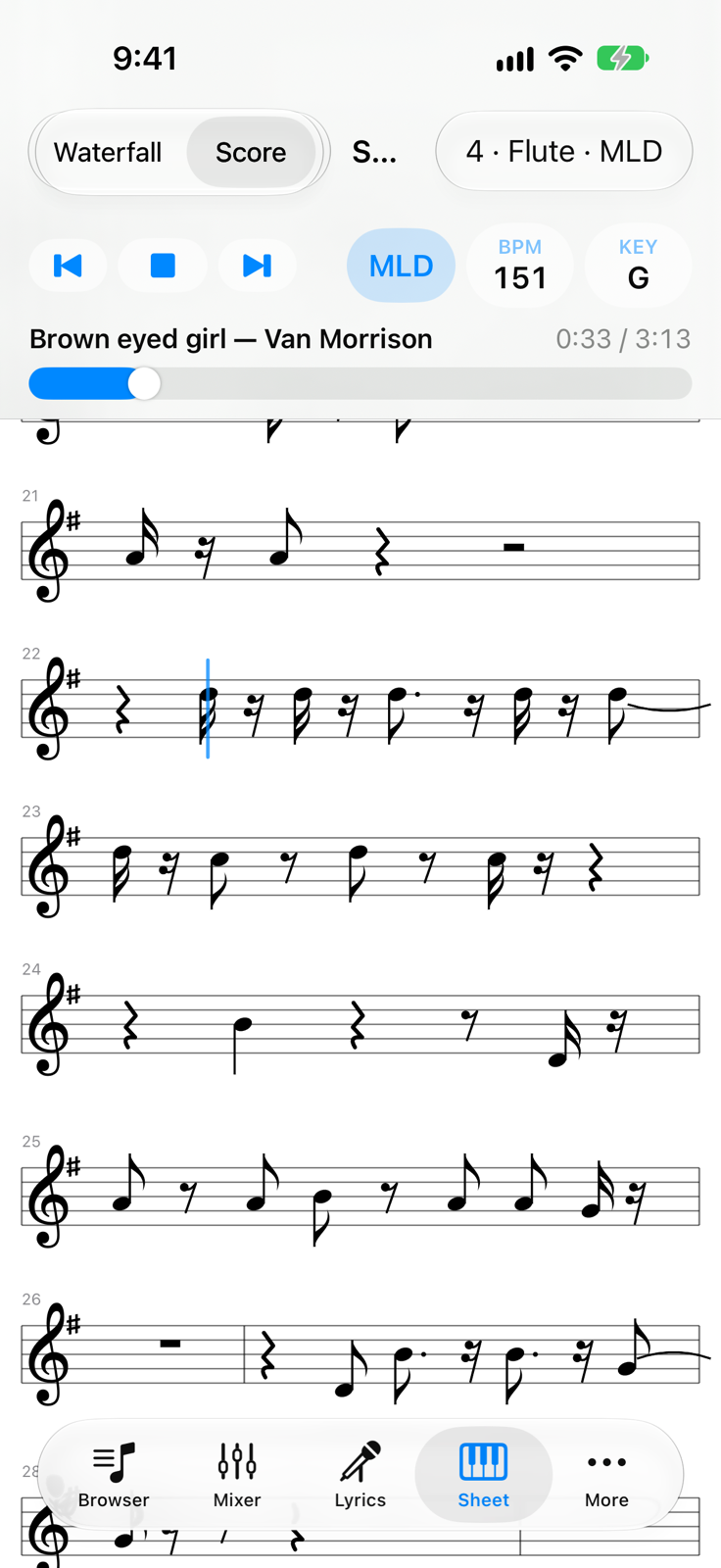
- ViewWaterfall or Score.
- Channel