Lyrics
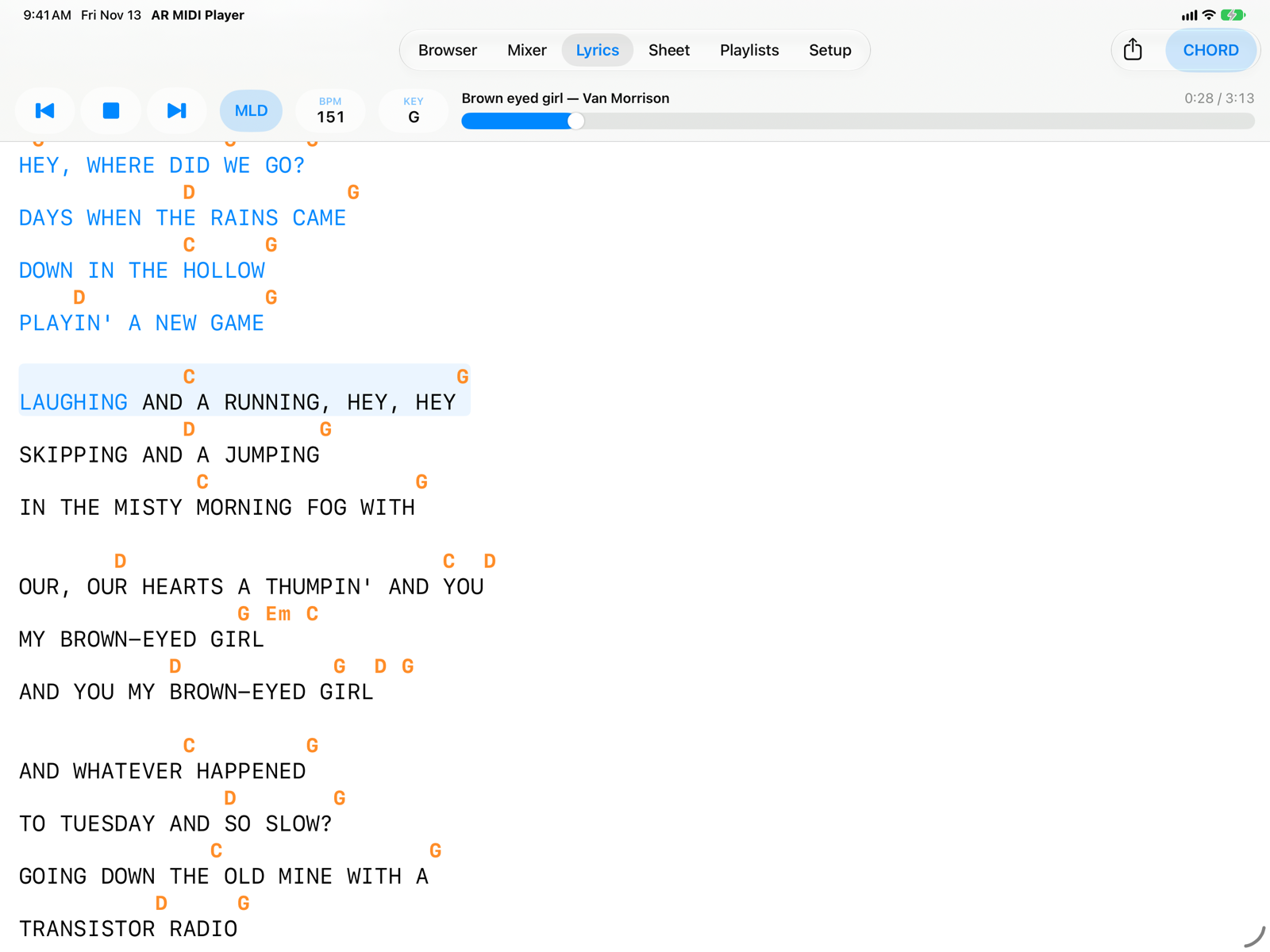
The song's lyrics with chords above the syllables, in sync with the music: the part already sung changes colour as the song goes on, and the page scrolls by itself.
- Export LyricsShares or saves the lyrics with chords as a
.txtfile or in ChordPro format (.crd), with the transposition and notation you see. - CHORDShows or hides the chords. Without chords, the instrumental break lines disappear too.
- Instrumental breakThe chords played between two sung lines, when the pause is longer than the threshold set in Setup.
- Current lineHas a highlighted background; the part already sung is blue. Lines already sung stay blue.
- ChordsAbove the syllable where they change. They follow the transposition in the bar (KEY) and the notation in Setup: international (C D E) or Italian (DO RE MI).
Scrolling and jumping
- The page scrolls by itself to keep the current line in the upper part of the screen.
- If you scroll by hand, automatic scrolling pauses for a few seconds; the Follow button resumes it right away.
- Tap a line to restart the song from there, one second early so you hear the lead-in. You can turn this off in Setup › Lyrics and Chords › Tap a Line to Jump There to avoid accidental jumps on stage.
Supported formats
M-Live, GM karaoke and .kar, Yamaha XF, Solton and Soft Karaoke. Depending on the format, highlighting goes syllable by syllable, follows the cursor of M-Live backing tracks or colours the whole line (Solton). A song without the T icon in the Browser has no lyrics to show.
In Setup you will find the size and colour of lyrics and chords, the Chord Offset (for backing tracks that send chords early), the instrumental break threshold and the Lyrics/Chords Delay, which moves the highlighting earlier or later than the audio.
If the song comes from a playlist and the entry has a note, the note appears at the top of the lyrics in purple italics, and is included in exported files too.
On iPhone
- Export Lyrics
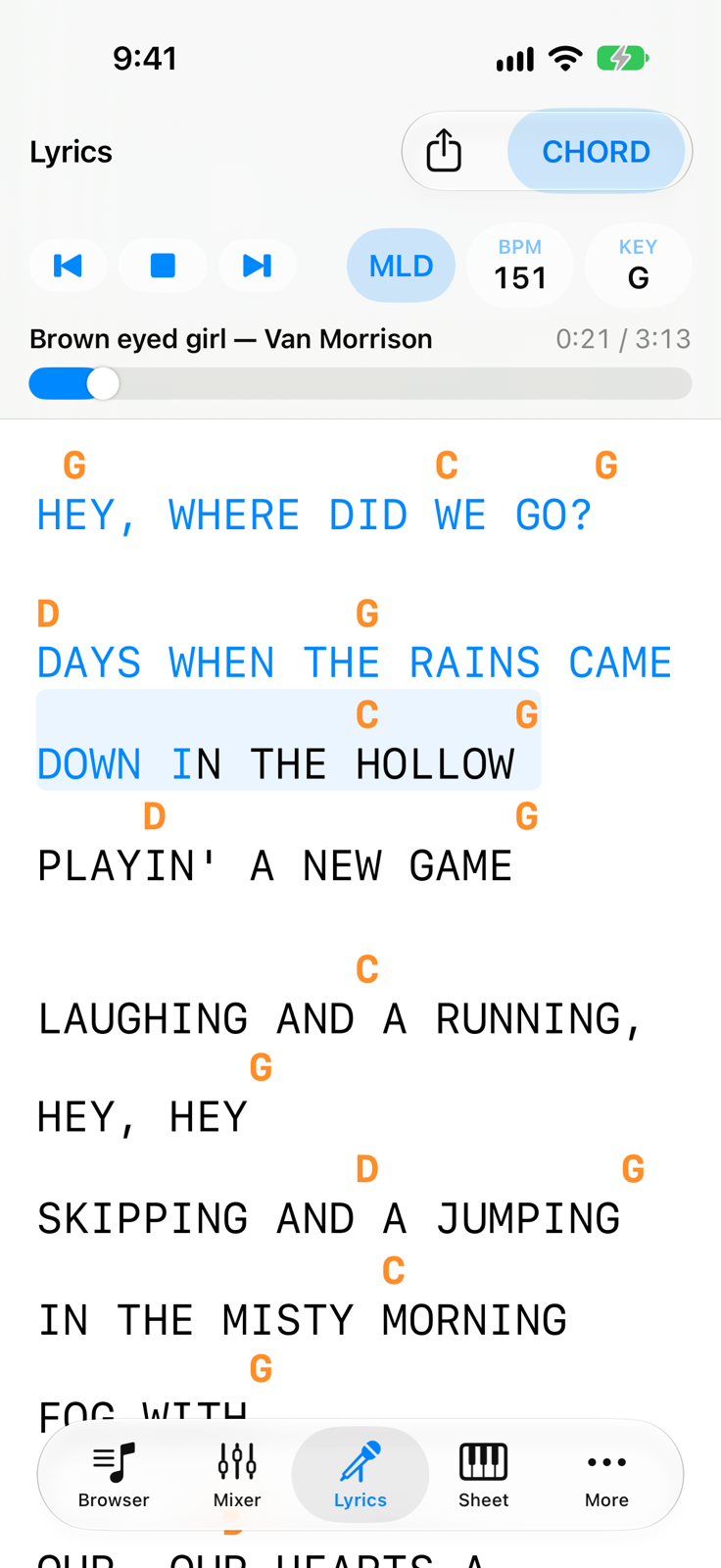
- CHORD
- Current lineLines that are too long wrap, with chords staying above their syllables.