
Tunestrike
The music quiz for iPhone and iPad. An Apple Music song starts and whoever recognises it first wins: the title, the artist or the decade. Play alone, two on the same screen, or turn it into a party with phones as buzzers and the TV as the game screen.
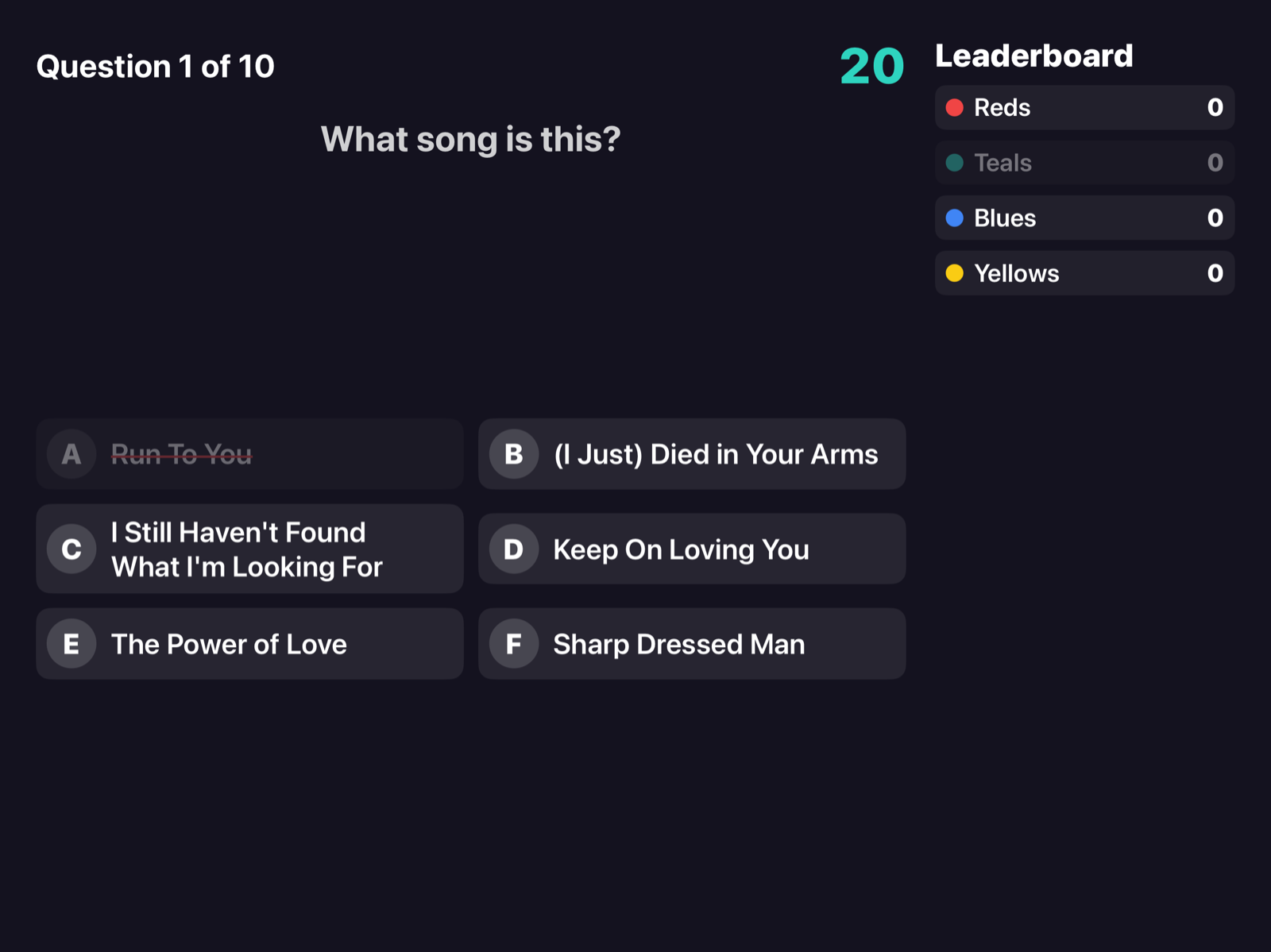
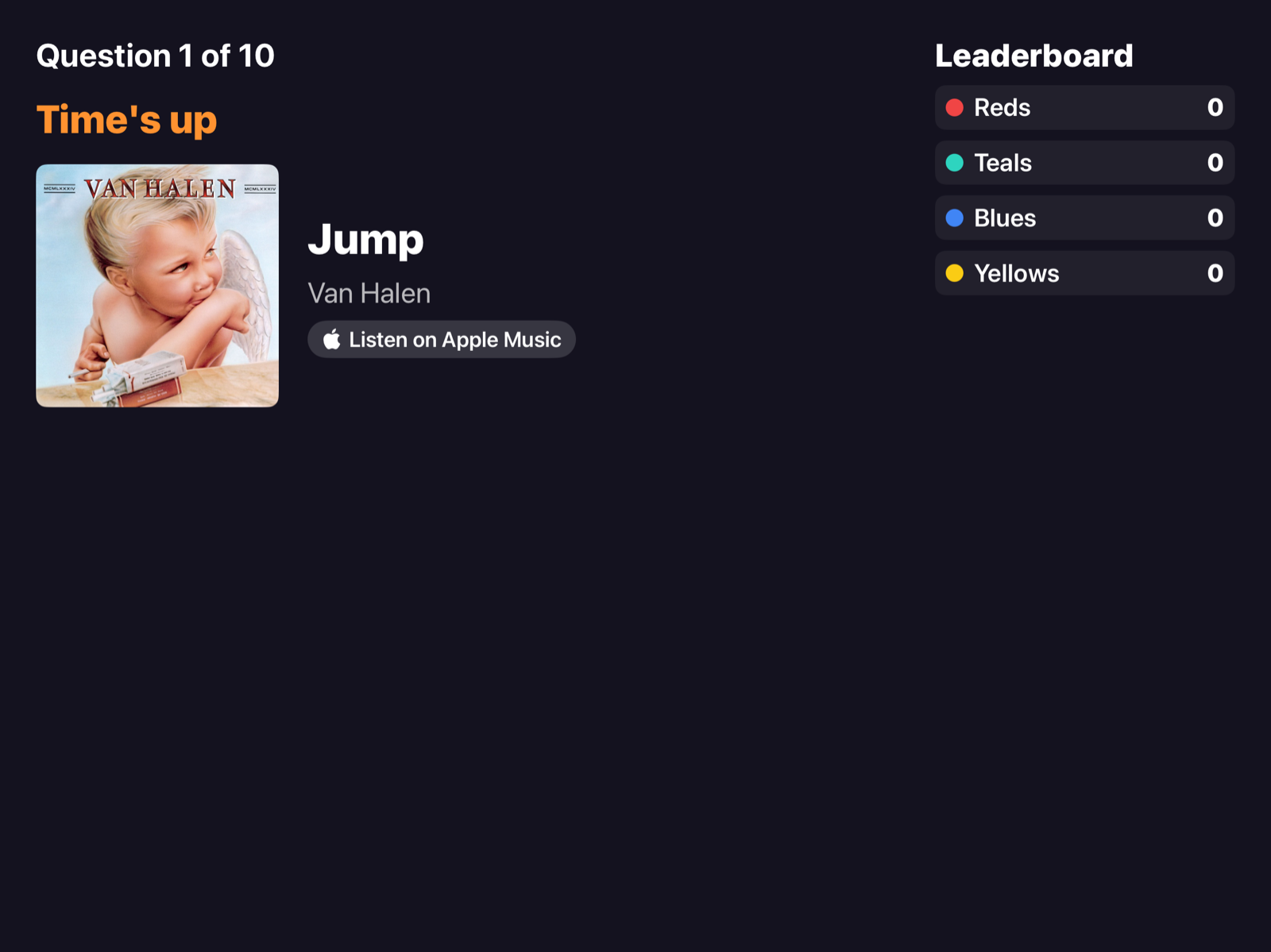
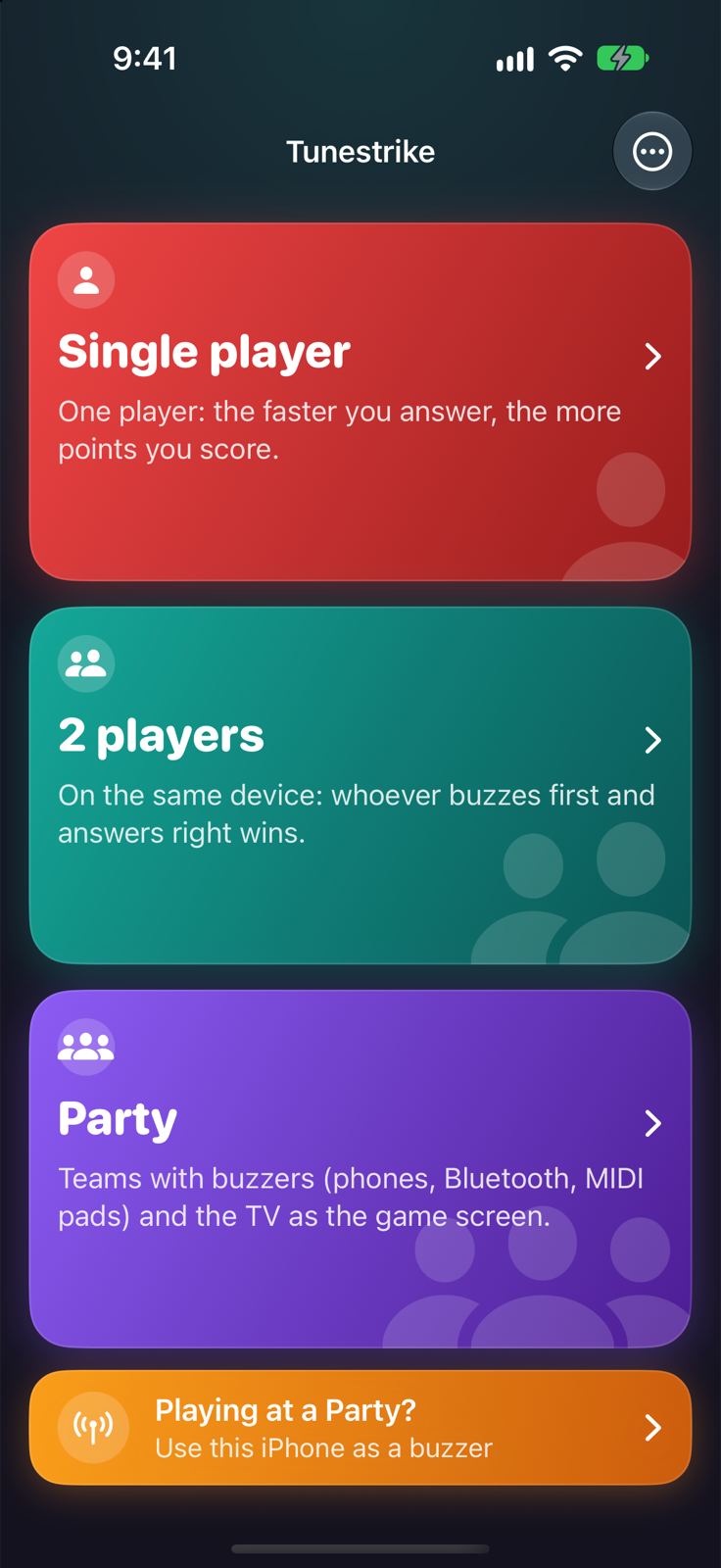
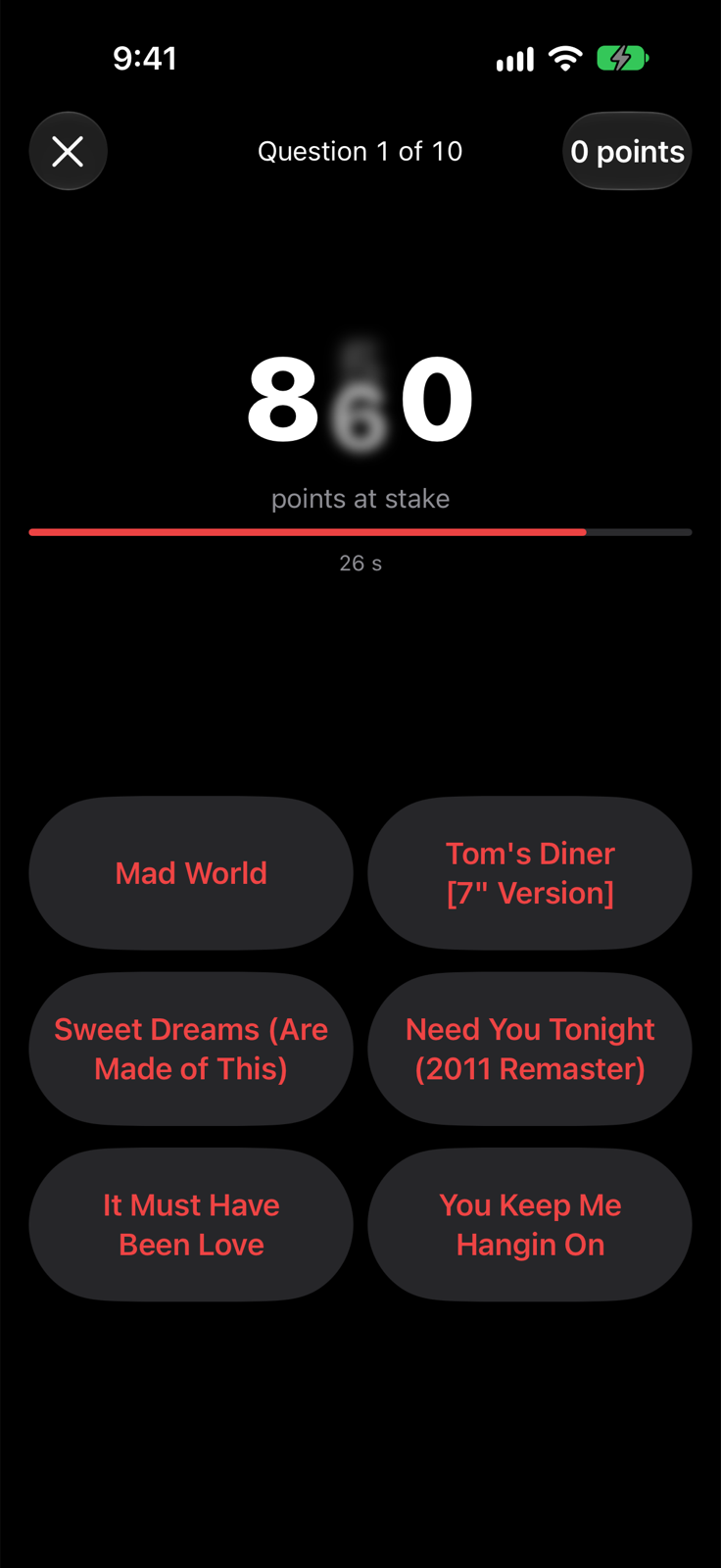
How it works
Faster means more points
Tap Go and the song starts: points drop from 1000 to 100 over 30 seconds. Pick one of six options or say the answer out loud.
- Guess the title, the artist or the decade.
- Wrong options chosen from the same playlist, similar in genre and era.
- Every answer shows the artwork and a link to the song on Apple Music.
One screen, two big buttons
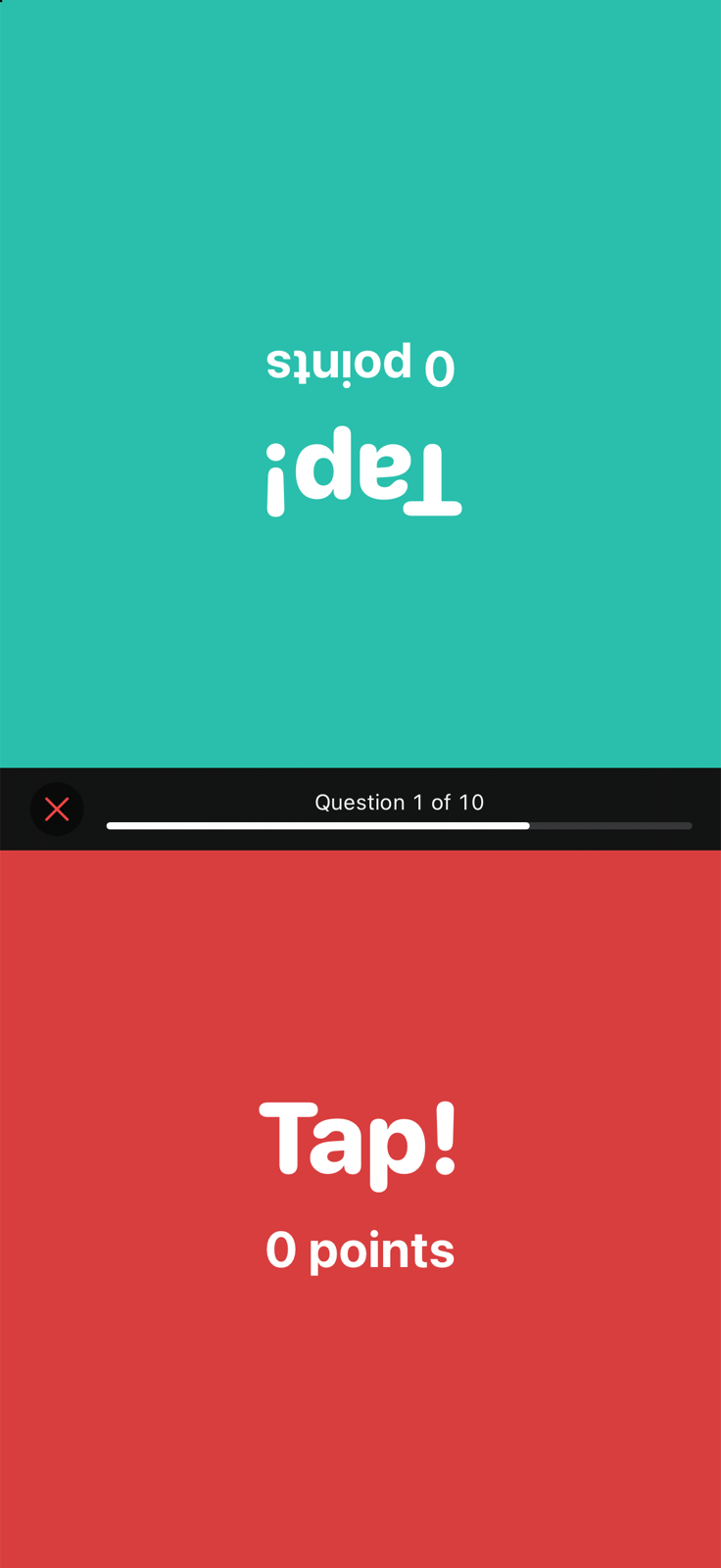
Put the iPhone on the table between you: the top half faces the player opposite. On iPad, left and right.
- The first touch wins, measured on the device.
- Right +10, wrong −5; after a mistake the other player can buzz in.
- Title or artist: spoken only, no options, either one counts.
Buzzers and the TV
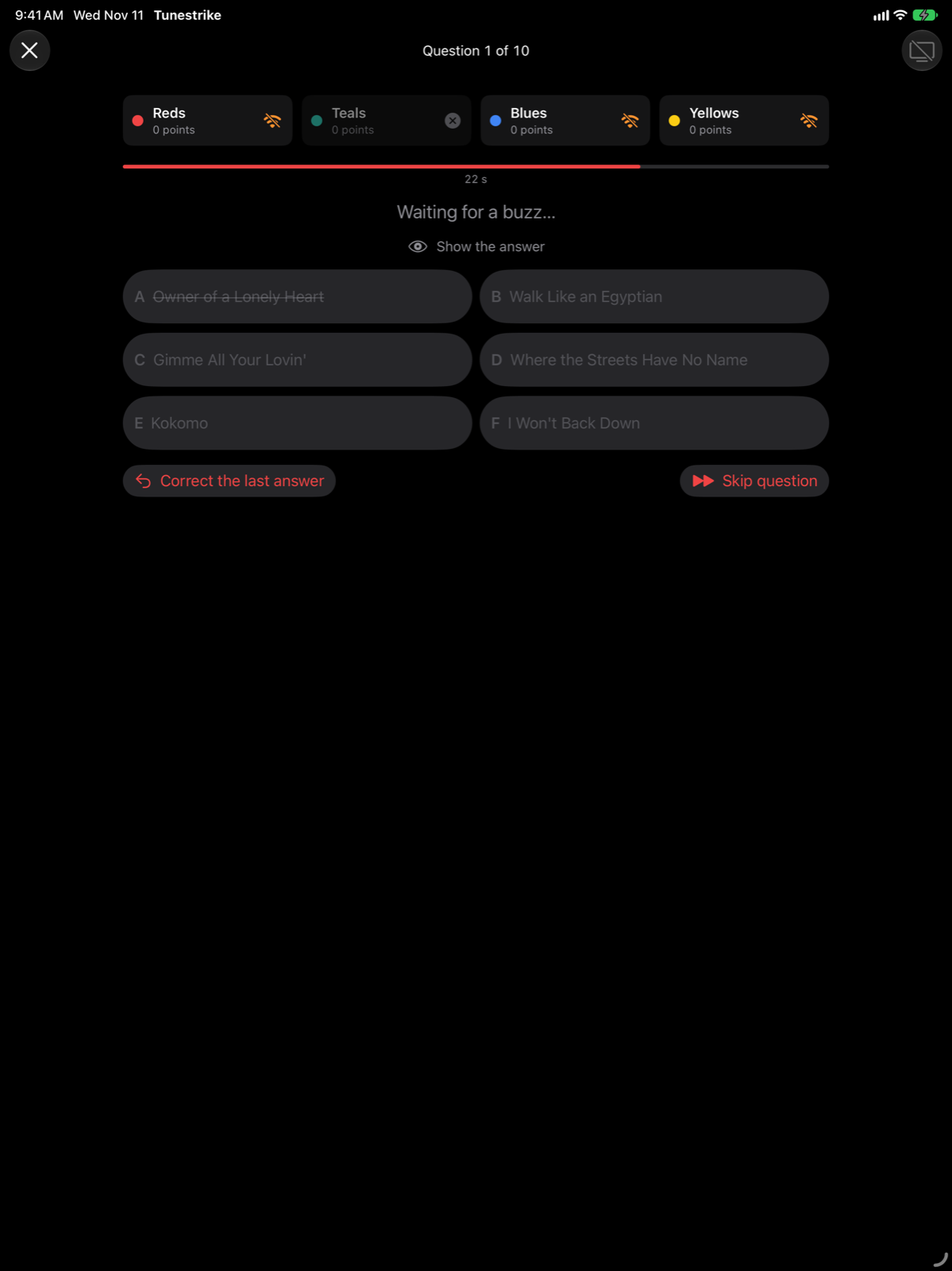
Teams buzz in with their phones, in the browser with no app to install: scan the QR code and play. The TV shows the game, the iPhone or iPad is the host's control room.
- Phones on Wi-Fi or on the host's Personal Hotspot; Bluetooth when there's no network.
- USB or Bluetooth MIDI pads, one per team, timed to the millisecond.
- TV over AirPlay or HDMI; the host judges, or speech recognition does.
All of Apple Music
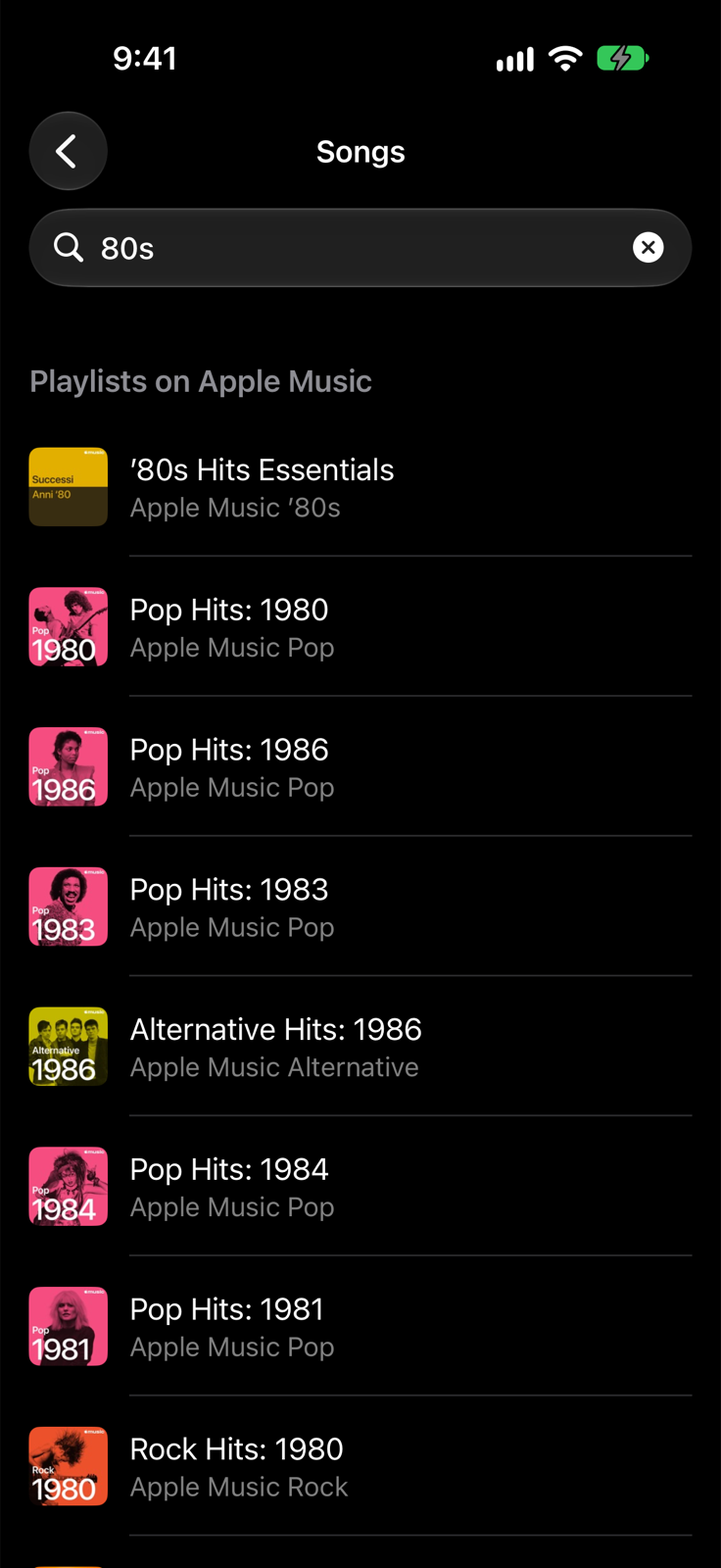
Charts, ready-made categories, your library playlists or any playlist you search for in the Apple Music catalog.
- 30-second previews for everyone, no subscription needed.
- Apple Music subscribers can play full songs, even from a random point.
- Audio is always streamed from Apple Music, never downloaded or stored.
Free, with a Party unlock
Tunestrike is free to download, and Single player and 2 players are free with no limits. Party mode is unlocked with:
You pay for Tunestrike's Party mode, never for Apple Music. Prices may vary by country.
Everything in the box
Spoken answers
On-device speech recognition in English and Italian, with a one-tap fix when it gets it wrong.
Second screen
A dedicated TV view over AirPlay or a USB-C/HDMI cable, not just mirroring.
Fair buzzing
The host decides the order of arrival; the team that was wrong sits out and the song resumes.
Teams remembered
Phones rejoin their team after a disconnection; teams stay saved for the next game.
No repeats
Recently played songs come last, and no answer comes up twice in a game.
Private
No account, no ads, no tracking. Your voice never leaves the device.
Support
The user guide explains every mode, the buzzers and the TV; the FAQ covers the most common problems. Questions or feedback: info@armusic.dev. Privacy.
Assistenza in italiano: guida, domande frequenti, info@armusic.dev.