OS MIDI Editor
The Old School MIDI Editor for Mac. Open a MIDI or karaoke file, play it with the built-in SoundFont synthesizer or your sound module, and edit it the way you did in the '90s.
What makes it different
A built-in synthesizer that plays any SoundFont
OS MIDI Editor has its own SF2 synthesizer: no setup, no extra software. It comes with the GeneralUser GS bank, and you can load any SoundFont (.sf2) you like from Settings — a huge orchestral bank stays where it is on your disk and is simply linked, one from a USB drive or iCloud is copied into the app.
- 16 channels with General MIDI sounds and GS drum kits, selected by bank and program as in the file.
- Each channel can play on the internal synth or on any MIDI output: mix your sound module and the built-in sounds in the same song.
- A separate metronome with its own sound, so the click never touches your drum track.
Automatic chords for MIDI files that only have lyrics
Many karaoke MIDI files have the lyrics but no chords. Find the song on any chord website, copy the "chords above the lyrics" tab and paste it into OS MIDI Editor: the app does the rest.
- It matches the lines of the tab to the lyrics in the file, even when they differ a little.
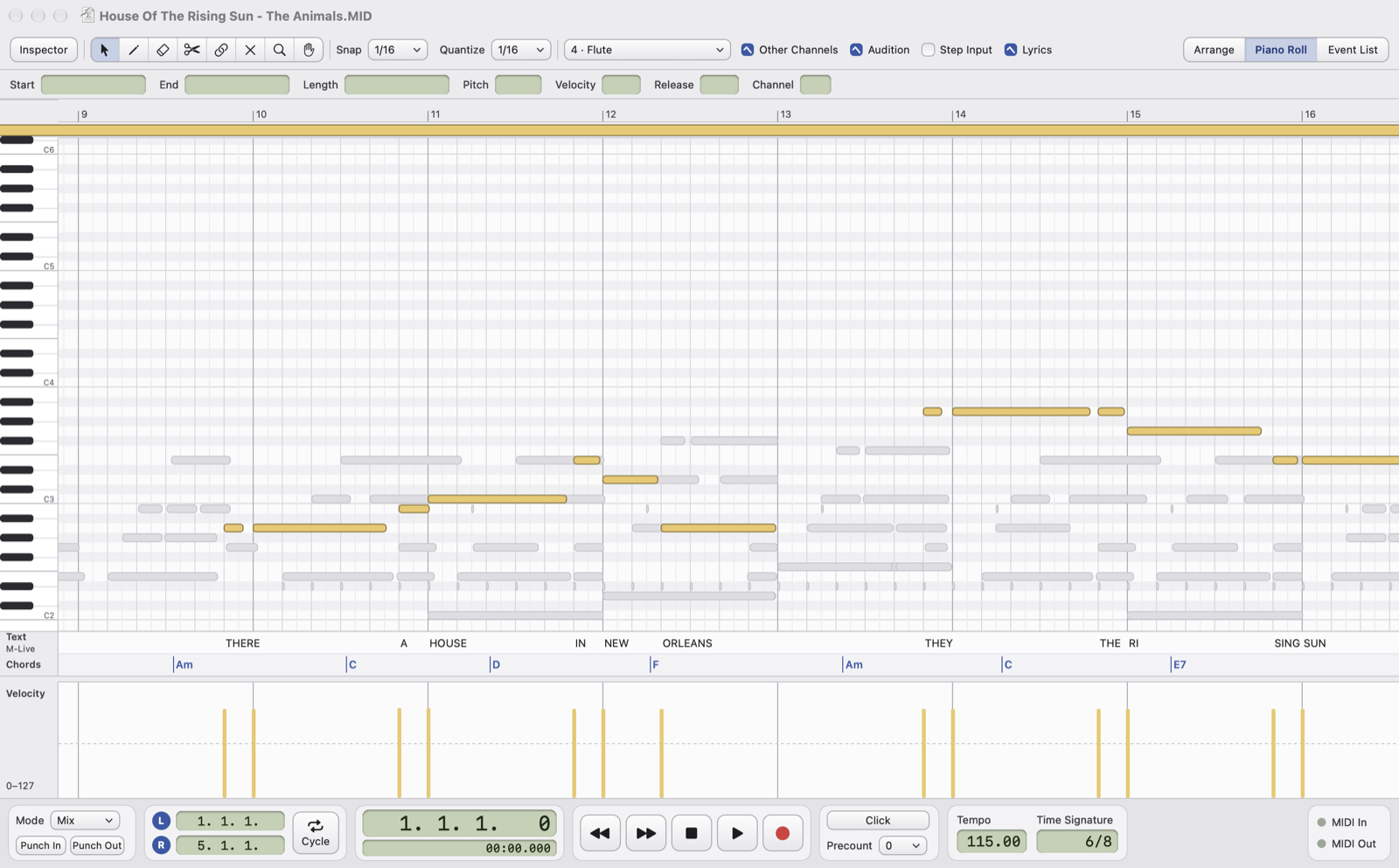
- It places every chord on the exact syllable it falls on, with the anticipation you choose.
- It checks the chords against the notes of the song: it finds the right transposition and the capo by itself, and flags the chords that don't match.
- It also handles the instrumental parts (intro, breaks, ending) and can suggest chords from the notes.
- Works with General MIDI karaoke files and Yamaha XF files, written in their own format. One click undoes everything.
Lyrics and chords together, step by step
No lyrics and no chords at all? A new semi-automatic assistant guides you through adding both at the same time. Paste the tab, then simply match each line of lyrics to its group of notes in the melody:
- select the notes of a line in the Piano Roll and click Assign;
- the app splits the words into syllables (Italian and English), puts one syllable on each note and every chord on its syllable;
- chord-only lines are spread over their notes, and you move on to the next line.
In a few minutes a plain MIDI file becomes a complete karaoke file with synchronized lyrics and chords.
Everything a MIDI editor needs
Your files stay intact
Open and save .mid, .midi and .kar files: same resolution, same events at the same ticks, SysEx and meta events included.
Arrange with parts
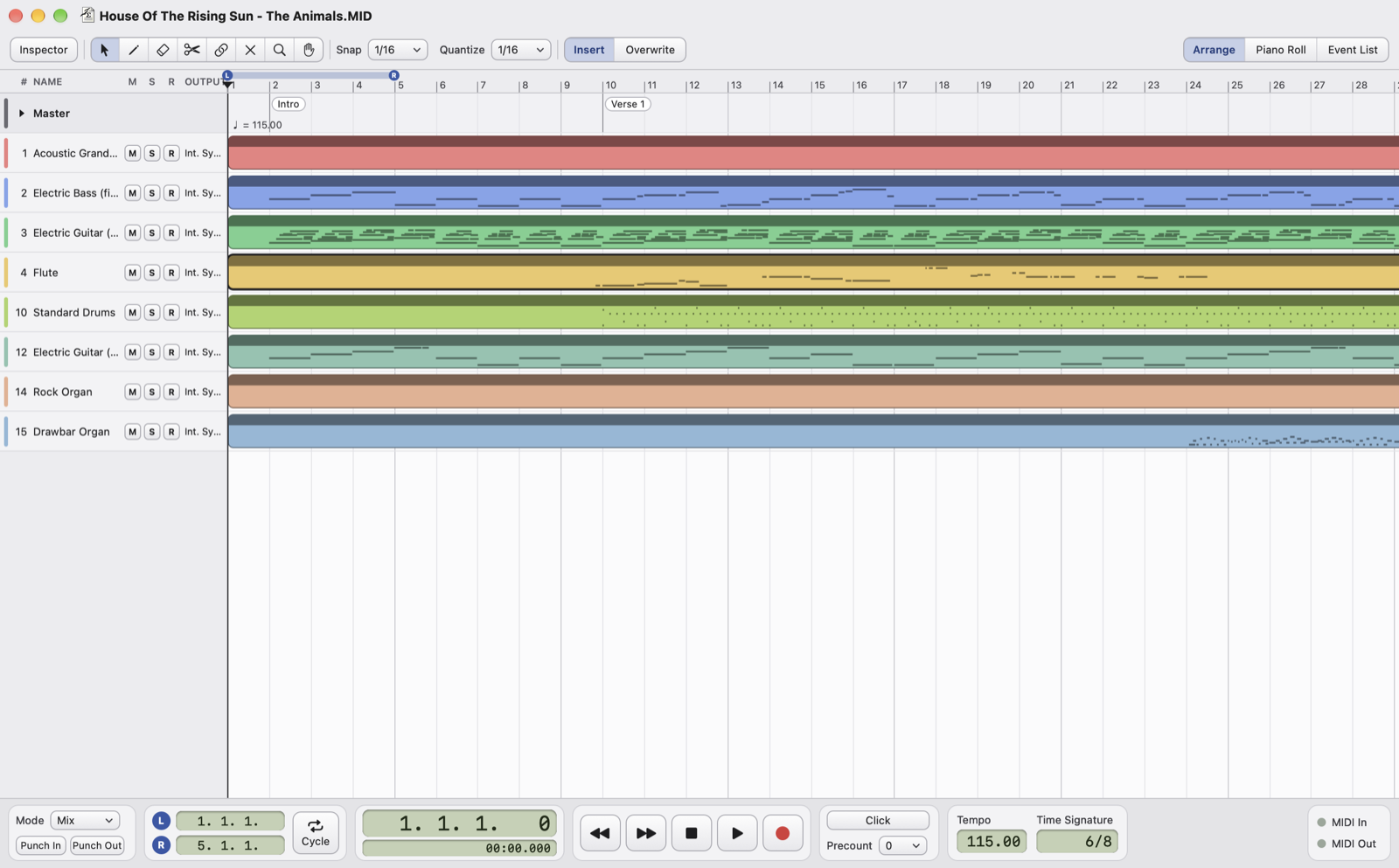
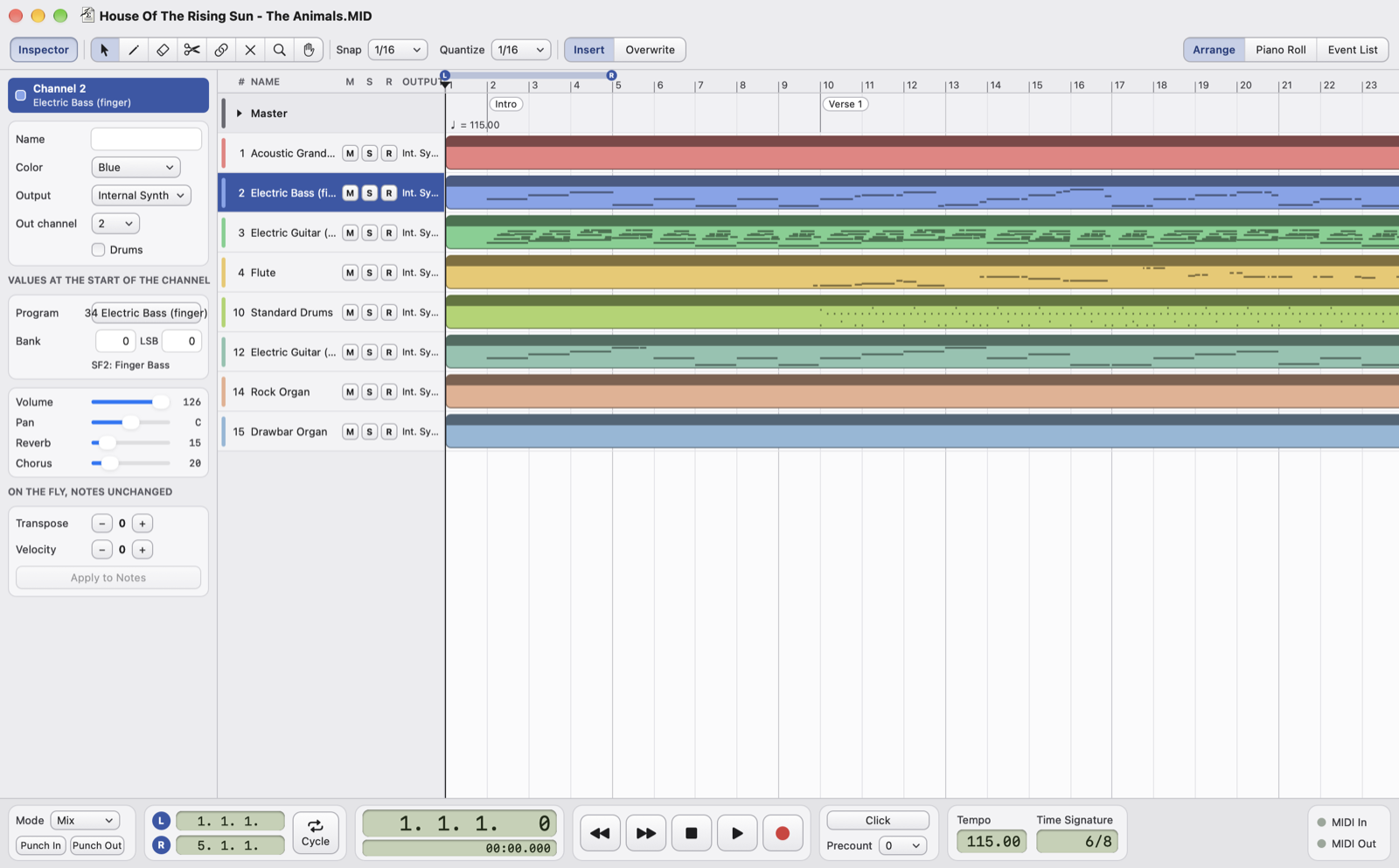
Move, copy, split, glue and mute parts; cut, copy, paste and repeat between the locators, in Insert or Overwrite mode.
Piano Roll and Drum Editor
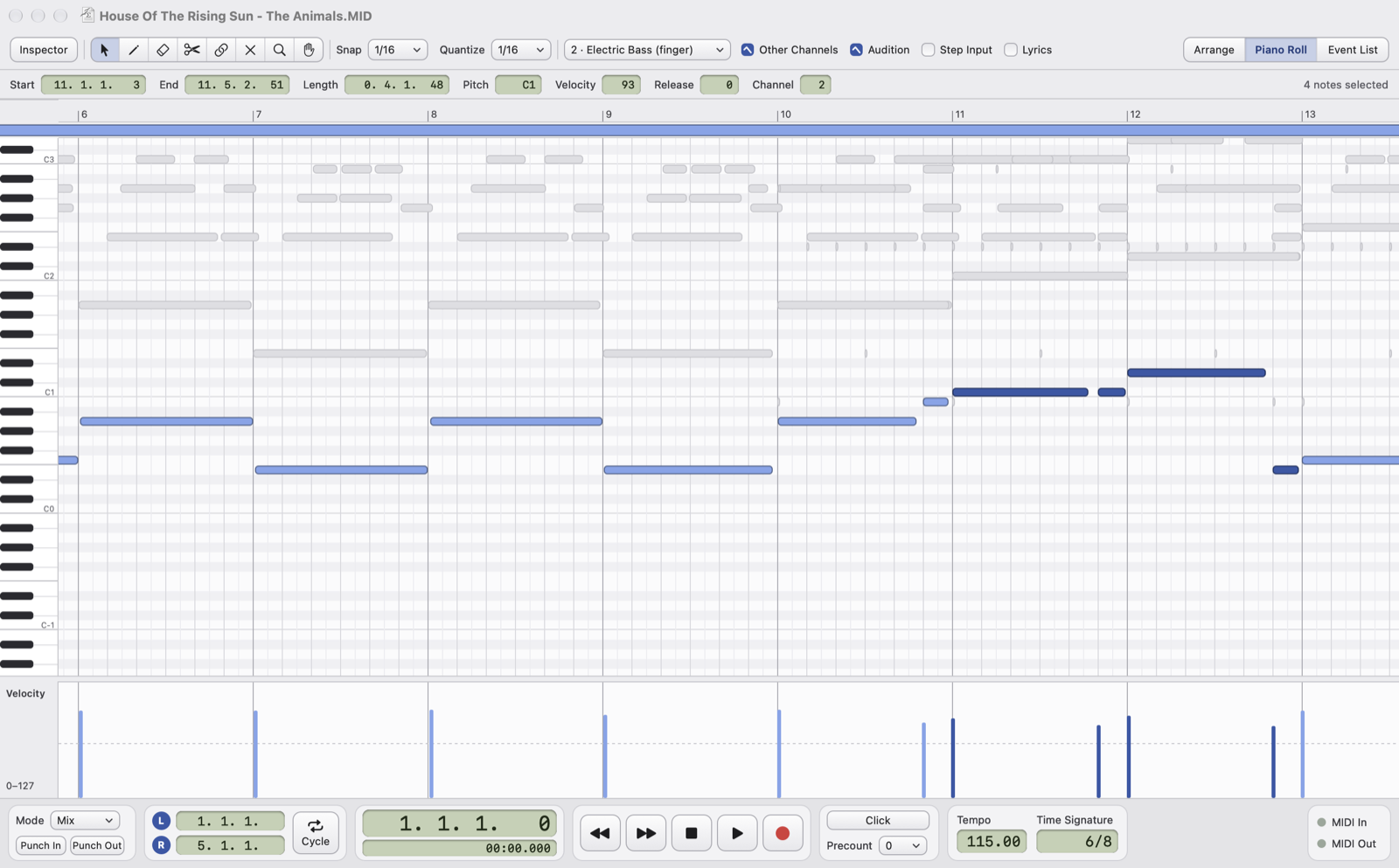
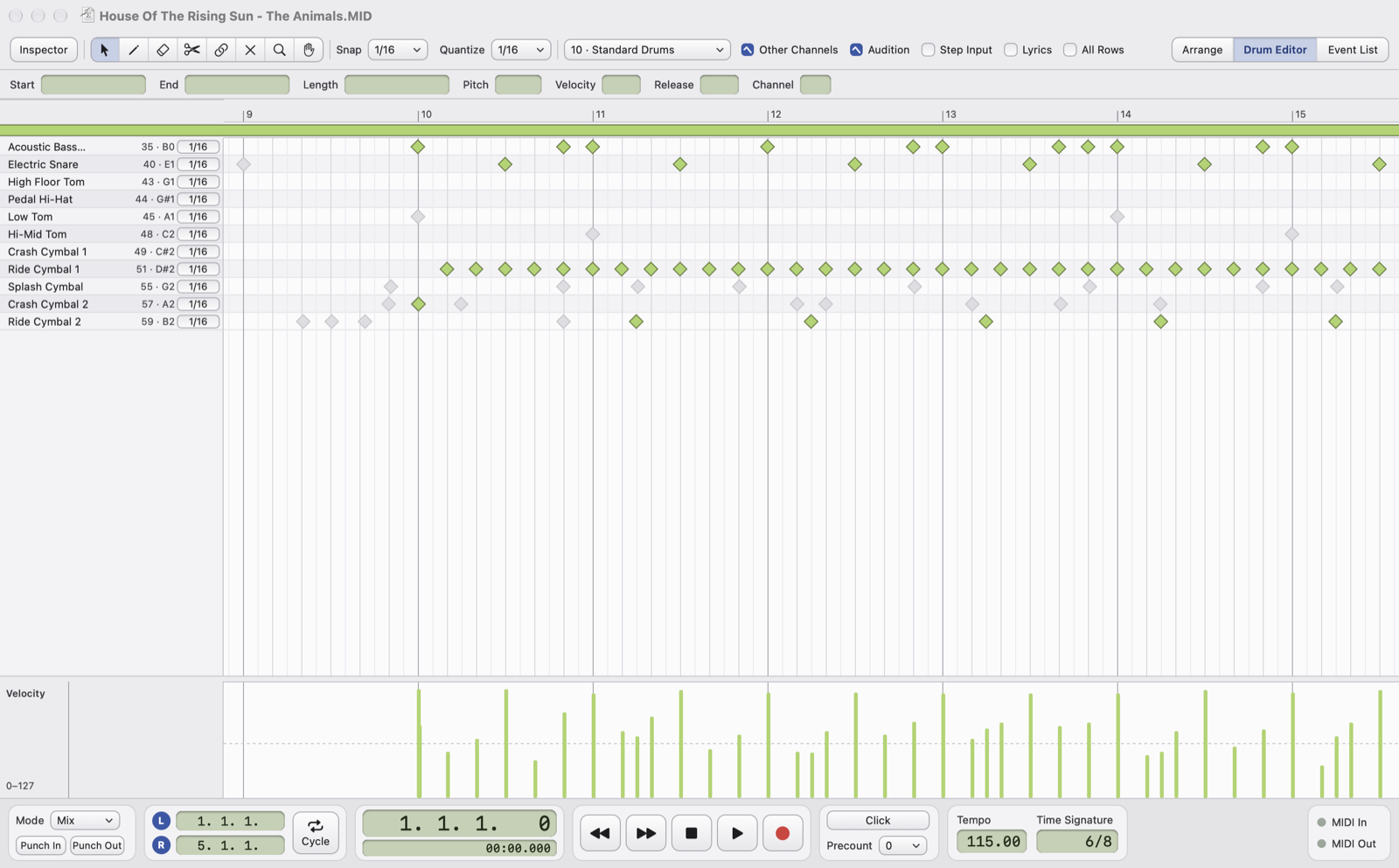
Draw and edit notes and velocity, quantize, transpose, legato, fixed length, and see the other channels while you write.
Event List
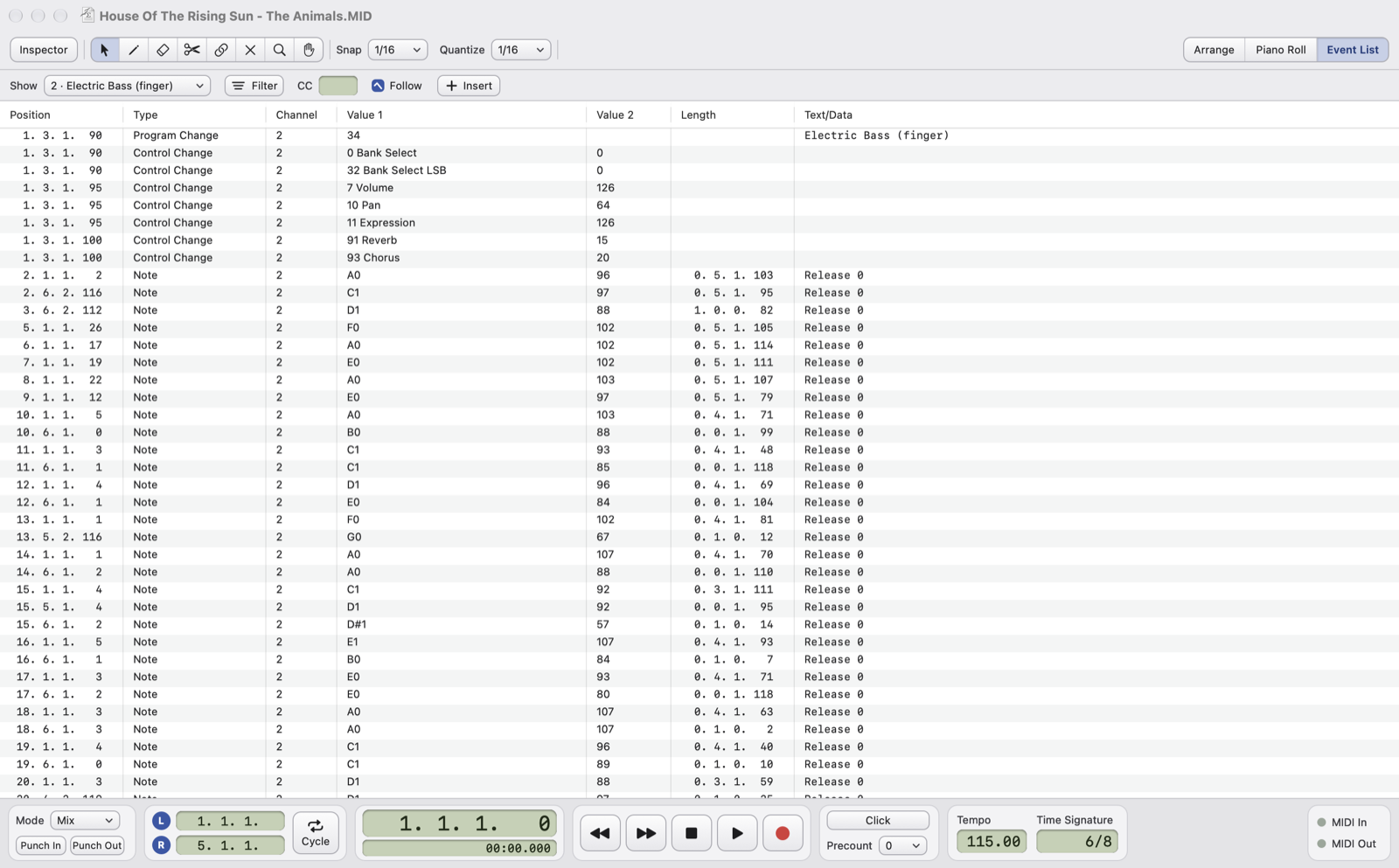
Every message of a channel or of the whole song, with filters, editable values and new events at the cursor.
Record from MIDI
Record from your keyboard with Mix or Replace, punch, cycle, precount and input quantize, or enter notes step by step.
Karaoke formats
Reads M-Live, GM, .kar, Yamaha XF, Solton and Soft Karaoke lyrics and chords, edits GM and M-Live, converts the others to GM.
Tempo track
Draw tempo changes, change time signatures, or scale the whole song to a new tempo in one go.
Projects
The .osmid project keeps parts, names, colors, mutes, outputs and views; export a type 0 or type 1 MIDI file any time.
Undo everything
Every change can be undone, with no practical limit. The file on disk only changes when you save.
Free, and complete
OS MIDI Editor is free and fully usable without paying anything: no feature is locked. After opening and saving files a short reminder invites you to support the project. If you like the app, buy me a coffee on Ko-fi (€5): you'll get a code by email that removes the reminder for good.